
MT5 Error 4756 + Retcode 10030: Your Broker Rejects the Filling Mode
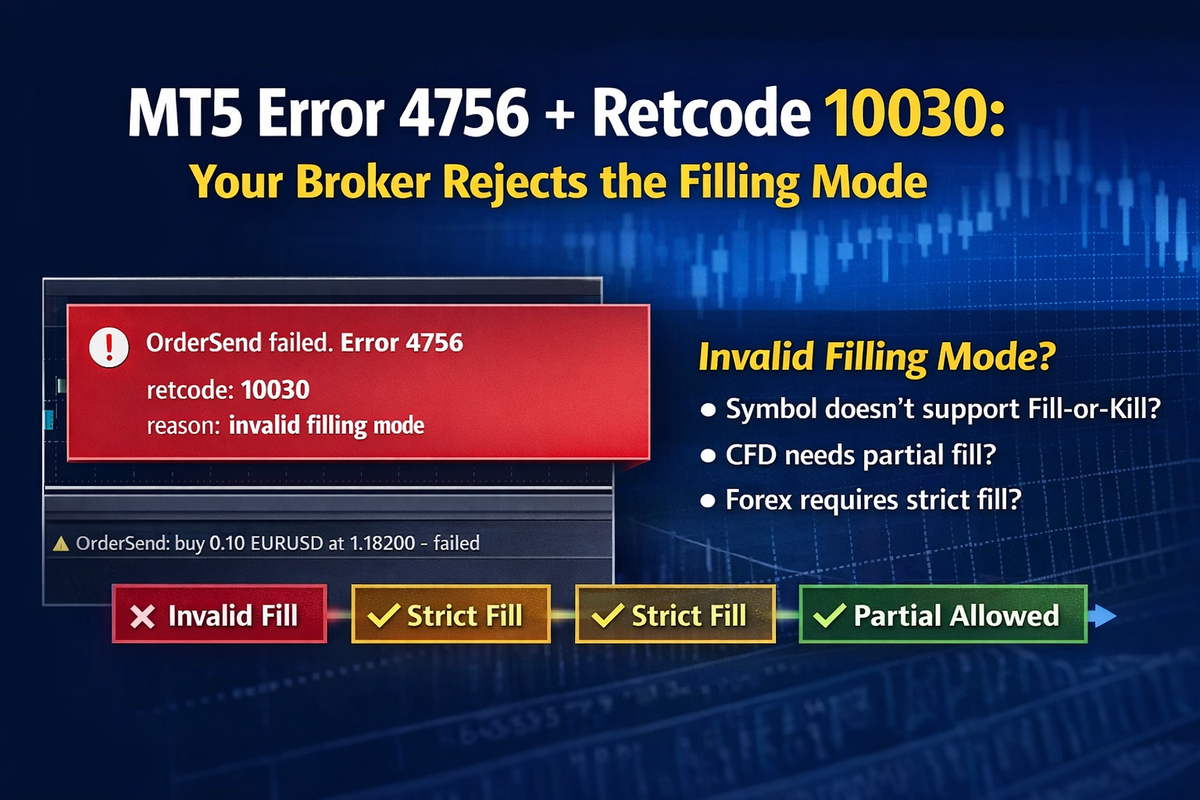
If you see MT5 error 4756 together with retcode 10030, the order is usually being rejected because the selected filling mode is not accepted for that symbol or broker. In MQL5, 10030 is TRADE_RETCODE_INVALID_FILL.
This is a common source of confusion in automated trading. The strategy sends a valid-looking order, but the broker refuses it because the execution policy does not match the symbol rules.
That is why 4756 is only the outer error. The real cause is in the server retcode. In this case, the fix is not “restart MT5,” but to use a supported filling mode for the instrument and broker.
If your system only shows “error 4756,” you are left guessing. If it shows the real rejection reason, the issue becomes obvious much faster.
For the full breakdown of MT5 error 4756 and its real causes, see the detailed guide on AlgoWay.
 AlgoWay